
Right now, billions of dollars worth of Bitcoin are being “stored” in hardware wallets around the world. Except that’s not quite true. Hardware wallets don’t actually store Bitcoin at all. In this guide, I’ll clear up one of the biggest misconceptions in all of Bitcoin and show you exactly what a hardware wallet protects, how ownership really works, and whether you even need one.
In this guide, you’ll learn:
- Where your Bitcoin actually lives (hint: it’s not in the device)
- How private keys, public keys, and Bitcoin addresses work together
- Why a recovery phrase is your ultimate backup, and your biggest risk
- Why hardware wallets are safer than keeping keys on your phone or PC
- How digital signatures prove ownership without ever exposing your secret
- My honest take on the OneKey Classic 1S I used to make this guide
Table of Contents
- Where Your Bitcoin Actually Lives
- Private Keys, Public Keys, and Addresses Explained
- Your Recovery Phrase: The Ultimate Backup
- Hardware Wallet vs. Phone or PC: Why the Device Matters
- How Digital Signatures Prove You Own the Key
- My Take on the OneKey Classic 1S
- Watch the Full Video Guide
- Frequently Asked Questions
- More Bitcoin Guides
Where Your Bitcoin Actually Lives
Let’s start by busting the myth. Your Bitcoin does not live inside your hardware wallet. It lives on the Bitcoin blockchain.
Imagine the blockchain as one giant digital ledger, an accounting book that records the location of every single Bitcoin in existence. That ledger is public, shared across the entire network, and it never sits inside your little hardware device.
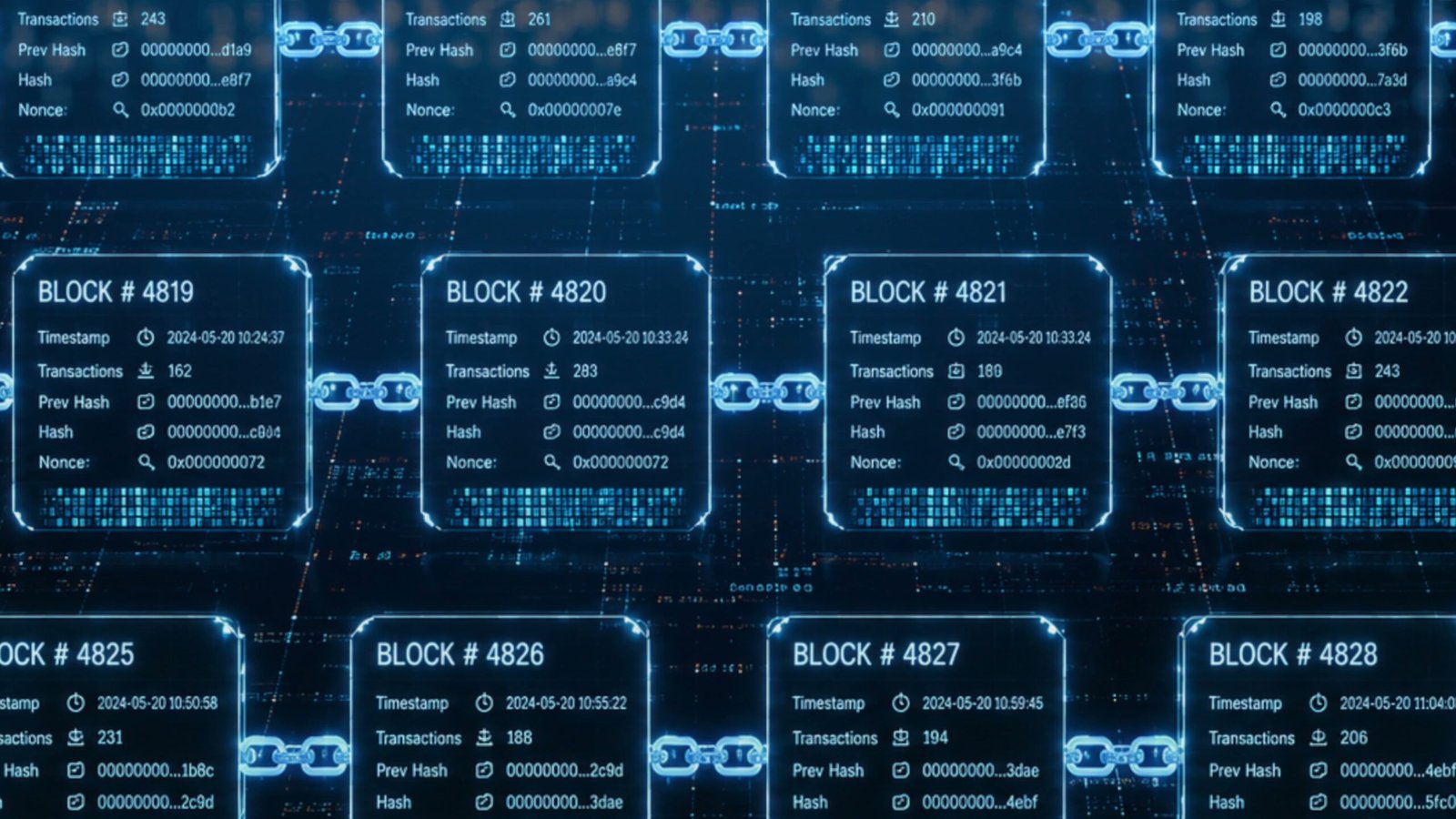
So if your coins aren’t in the wallet, then what is the wallet holding? It holds a secret. A secret that gives you complete control over the coins recorded on that ledger. A hardware wallet’s entire job is to keep that secret completely off the internet.
That secret is the single most important thing you’ll own in all of Bitcoin: your private key.
Private Keys, Public Keys, and Addresses Explained
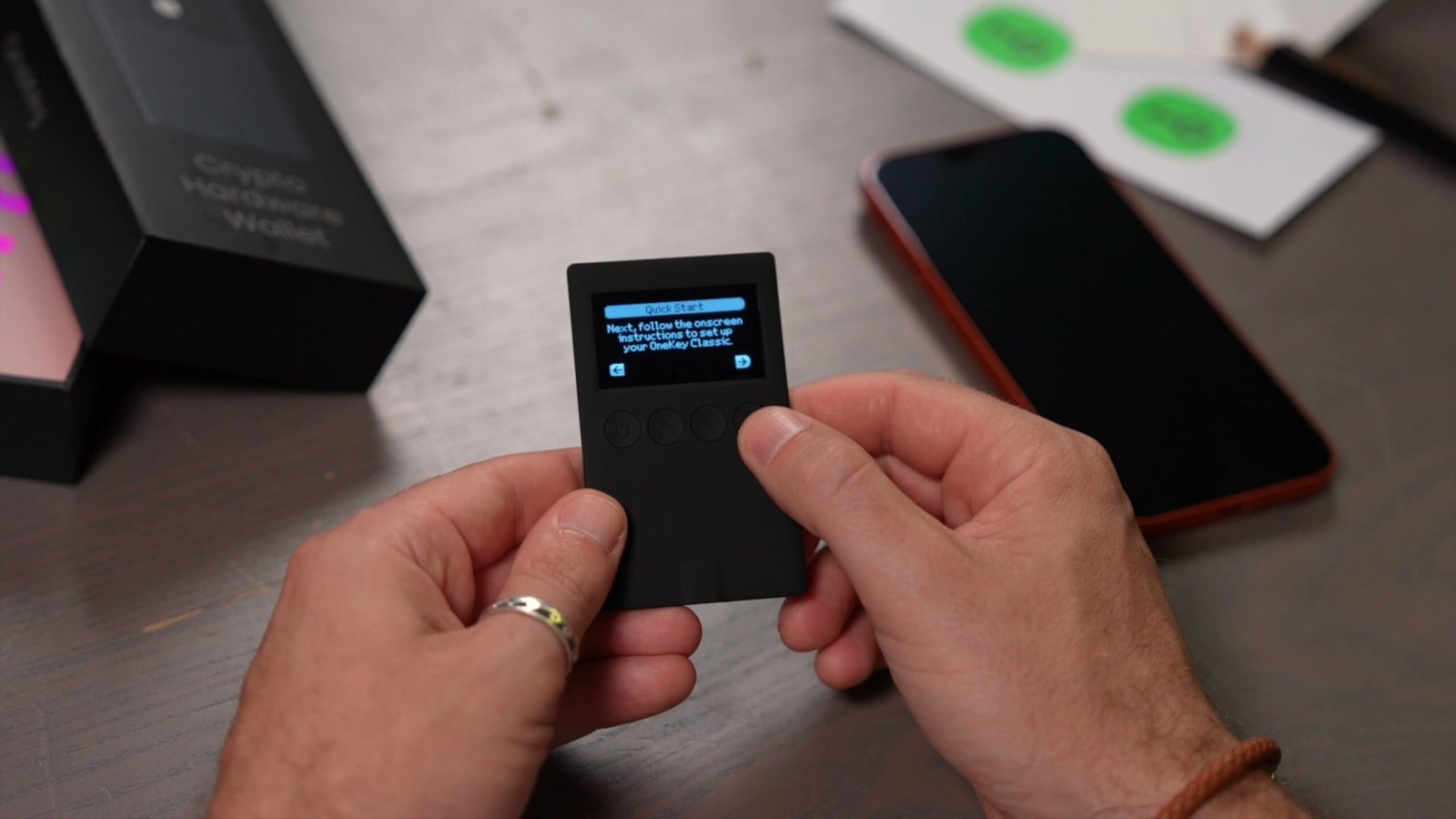
When you first set up a hardware wallet, the very first thing it does is generate a unique private key. From there, everything else flows in one direction:
- Your device generates a private key (the secret you protect).
- From the private key, it calculates a public key.
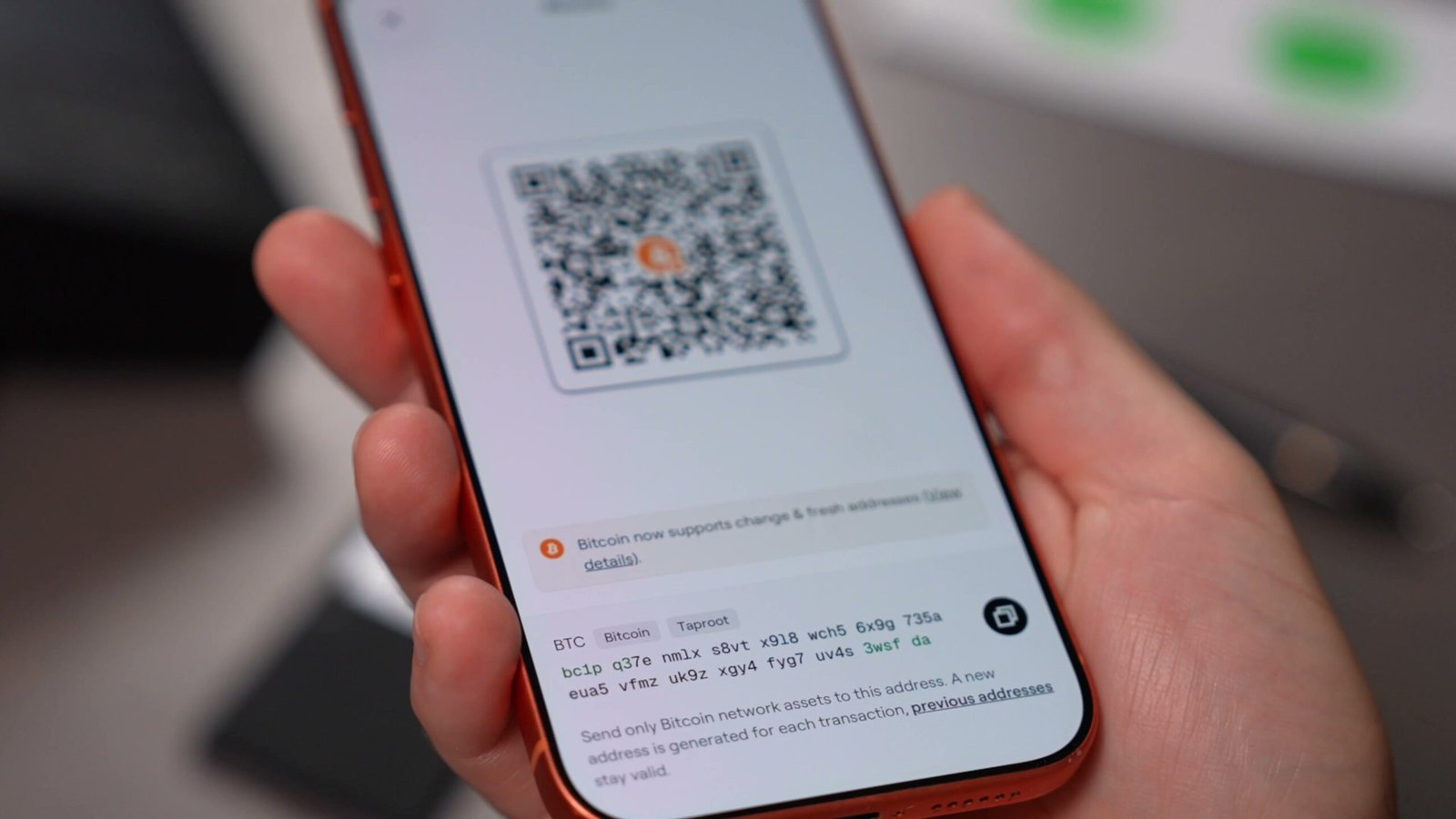
- From the public key, it generates a Bitcoin address you can share with anyone.
The House Analogy
This clicks a lot faster when you think of it like your home:
- Your Bitcoin address is like your home address. You can hand it to anyone. Knowing where you live doesn’t give someone access to your house.
- Your public key is like the lock on your front door. There’s nothing secret about it. Anyone can look at it.
- Your private key is like the actual key to that door. It’s what lets you in, and it’s the one thing you keep secret and safe.
Bitcoin doesn’t use physical locks and keys, of course. It uses mathematical encryption. That math is what lets your wallet travel from the private key, to the public key, to the address.
Why It Only Works One Way
Here’s the genius part. This calculation was deliberately designed to work in only one direction. Starting from your private key, it’s easy to calculate the public key and address. But working backward, from an address to the private key, is so complex it’s practically impossible.
Think of it like giving someone your home address and asking them to build the exact key that unlocks your front door. They know where you live and can even see the lock, but none of that tells them how to cut the correct key.
That’s why I could post my Bitcoin address publicly right here in a video. You could use it to send me Bitcoin, but it would never give you the private key needed to spend my Bitcoin. Bitcoin can be completely public while the one thing that grants control stays completely private.
Your Recovery Phrase: The Ultimate Backup
At this point you might be thinking: “That sounds great, but it also sounds like one giant weak point. If I lose my house key, I can’t get in. So if I lose my hardware wallet with my private key on it, is my Bitcoin gone forever?”
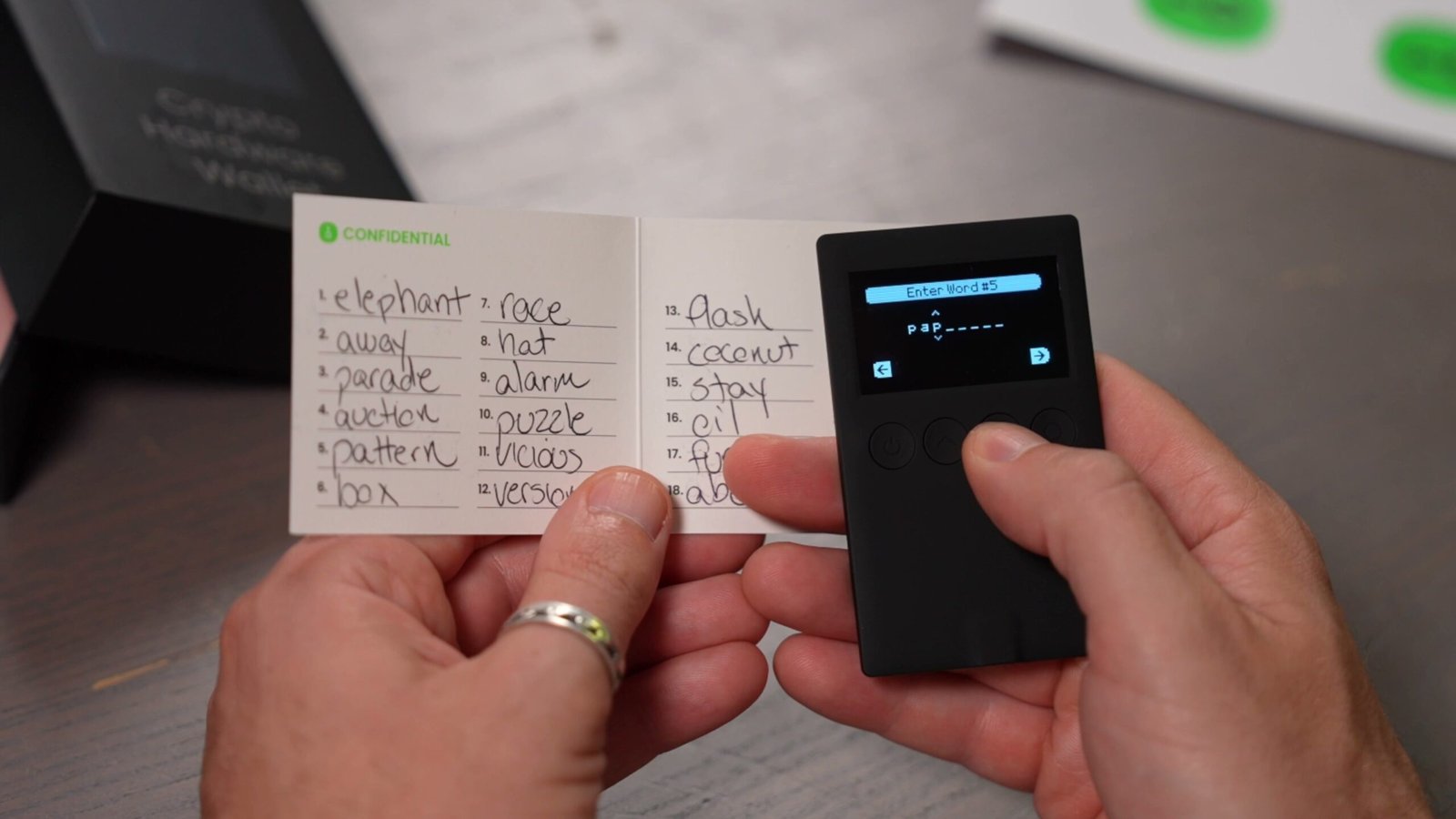
Good news: no. There’s a backup plan, and it’s called your recovery phrase (sometimes called a seed phrase).
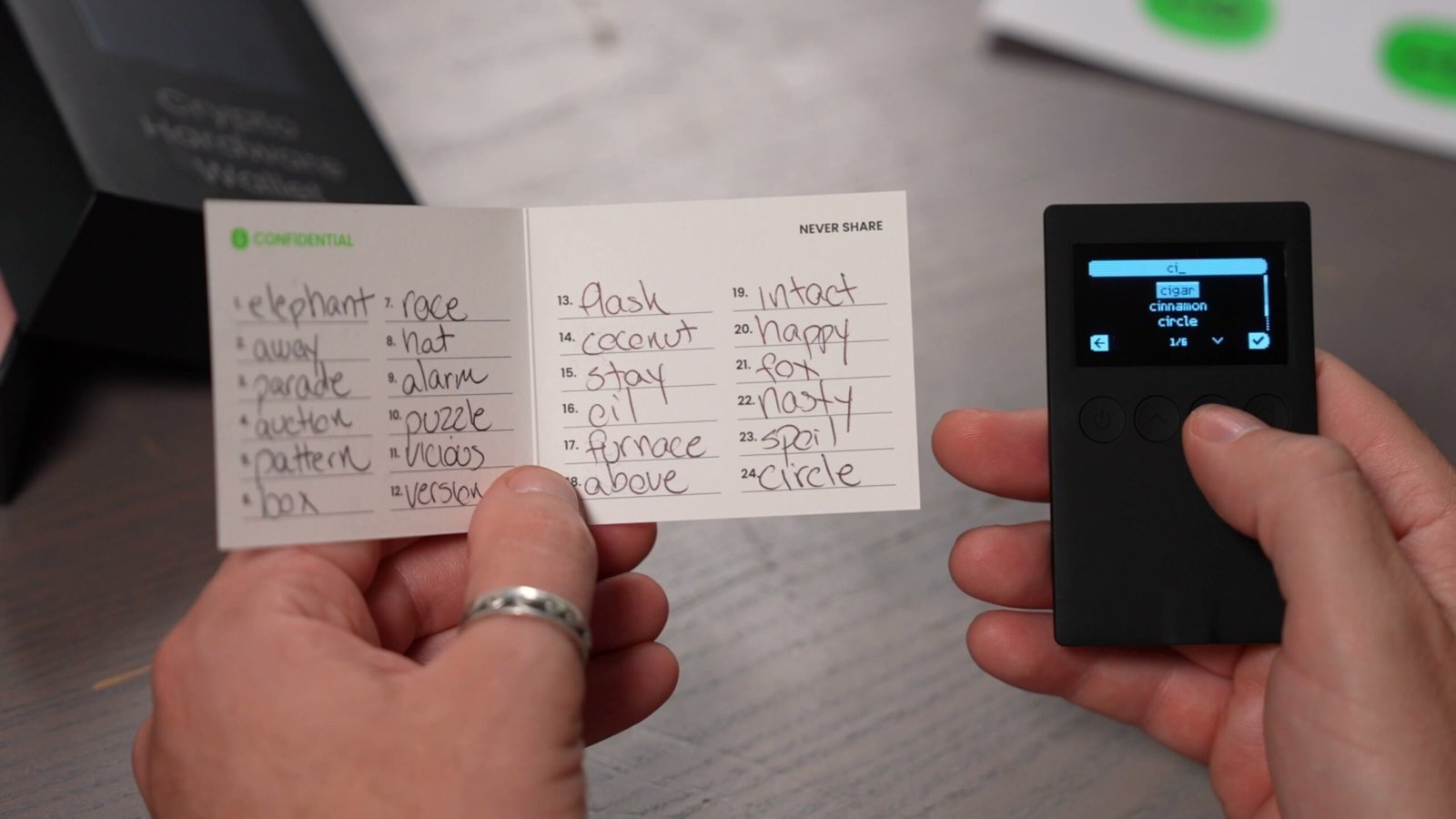
Earlier I said the wallet creates a private key. In reality, it generates several private keys tied to a single recovery phrase. That phrase is a human-readable backup that lets your wallet recreate all of those keys.
The Two-Sided Nature of the Recovery Phrase
This is the most important thing to understand about self-custody:
- If you have the recovery phrase, you can recover your entire wallet even if the hardware device is lost, damaged, or destroyed. Just enter it into a new compatible wallet and you’re back in control.
- If someone else gets the recovery phrase, they don’t need your device at all. They can recreate your wallet on their own hardware and take full control of your Bitcoin.
Remember: your Bitcoin is never inside the device. The wallet simply lets you prove ownership of coins that already exist on the blockchain.
Why This Beats Trusting a Company
There’s another huge difference with self-custody. I don’t trust OneKey, or any company, to hold my Bitcoin for me. If OneKey went bankrupt tomorrow, my Bitcoin wouldn’t disappear with it. As long as I keep my recovery phrase safe, I can restore my wallet using any compatible hardware or software wallet on earth. That’s the whole point.
Hardware Wallet vs. Phone or PC: Why the Device Matters
So why buy a dedicated device? Can’t you just use the computer or phone you already own? You can, but you’re taking on real risk. Here’s why.
To spend Bitcoin, a transaction has to be signed with your private key. That’s how you prove you’re the person authorized to move those coins. And we already established that this key must be kept strictly secret.
If your private key lives directly on your computer or phone, then every website you visit, every app you install, and every bit of malware you accidentally download becomes a potential threat. Steal the key, steal the coins.
A hardware wallet isolates your private key inside a secure chip, so it is never exposed to an internet-connected device. That single design choice is the entire reason these things exist.

How Digital Signatures Prove You Own the Key
This raises a fair question: if the Bitcoin network runs over the internet, but my private key never touches the internet, how can I prove I own it? The answer is the digital signature.
Here’s how it works step by step when you send Bitcoin:
- Your phone (or computer) prepares the transaction and asks the hardware wallet to sign it.
- The hardware wallet shows you the destination address on its own screen, and you confirm it matches what’s on your phone.
- Only after you verify the details does the device use your private key internally to create a digital signature.
- That signature is passed back to your phone, but your private key is never shared.
- Your phone broadcasts the signed transaction to the Bitcoin network over the internet.
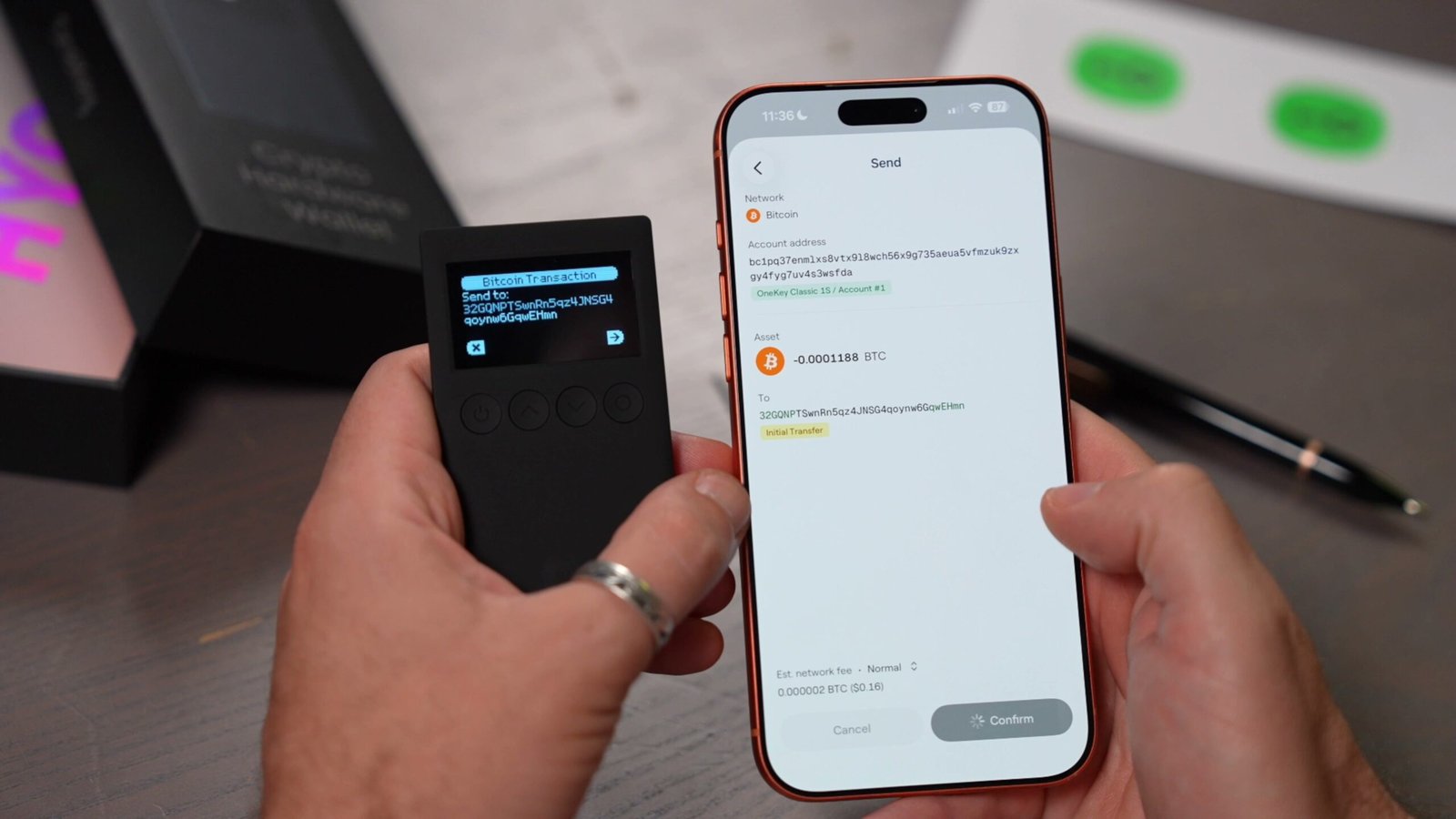
The network then takes the signature, the transaction, and your public key, and mathematically verifies they all match. Because the public and private keys are linked from the moment they’re created, the network can confirm that whoever controls the private key authorized this exact transaction, without the private key ever being revealed.
That verification step on the device screen is huge. If malware swapped the destination address on my phone, I’d catch it because the hardware wallet shows me exactly what I’m approving. Your phone handles the internet. The hardware wallet handles the secret. That’s the magic: I can prove I hold the secret without ever exposing it.
My Take on the OneKey Classic 1S
I used the OneKey Classic 1S throughout the making of this guide, and overall I really enjoyed it. I’ve used a lot of hardware wallets over the years, and this one held up well.
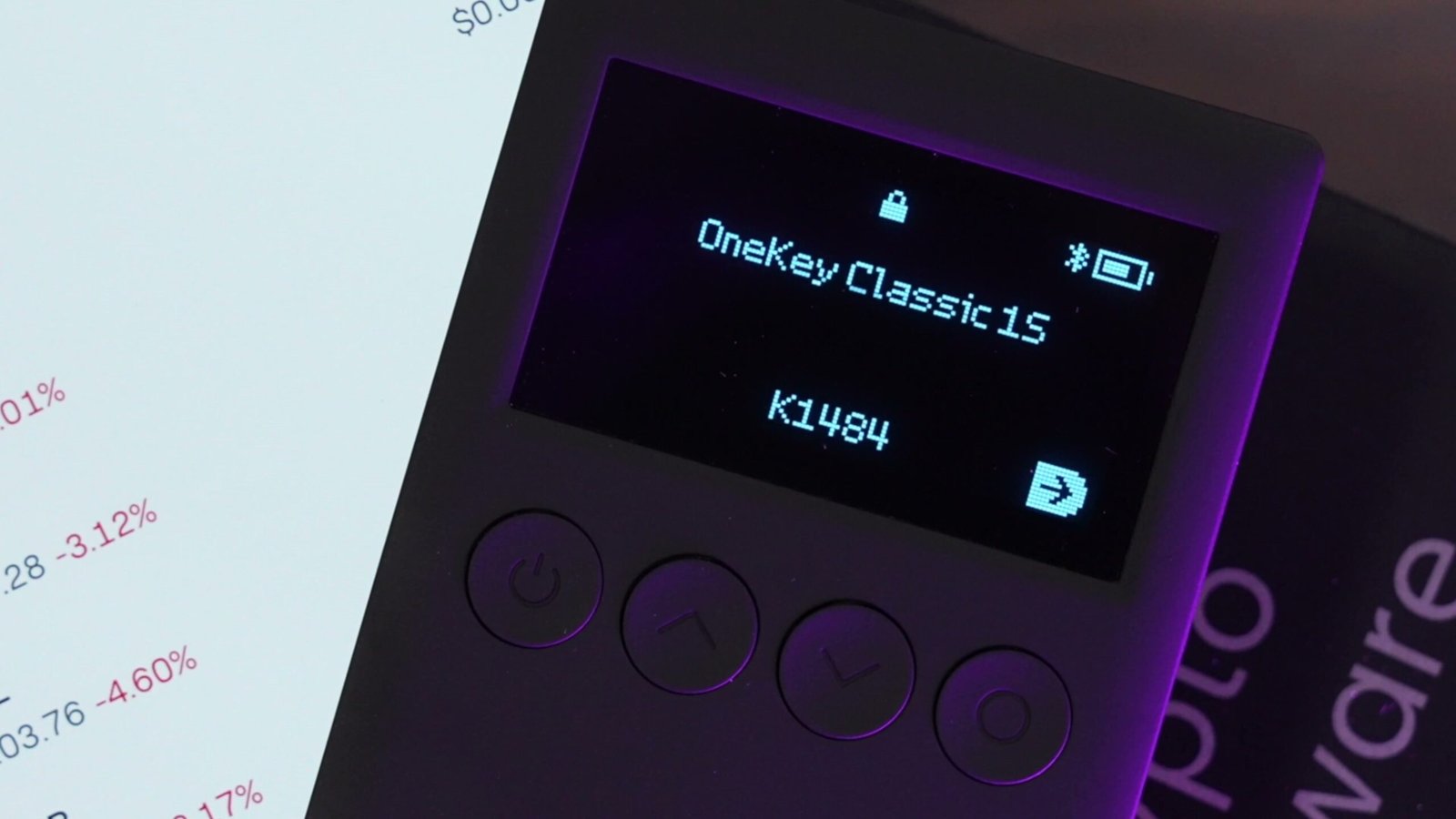
Here’s what stood out:
- Easy setup: nothing intimidating for a first-timer.
- Feature-rich app that still stayed simple to navigate.
- Simple send and receive for Bitcoin.
- Recovery worked flawlessly: I fully restored the wallet using just the recovery phrase.
- Bluetooth connectivity to communicate with your phone.
On connectivity, it’s worth noting the Classic 1S uses Bluetooth, while other wallets use NFC, QR codes, or a wired connection. There’s endless debate in the Bitcoin community over which is “best.” For me, the priorities are simple: the private keys stay protected on the device, and I can clearly verify what I’m signing on the device itself. This wallet nails both: secure self-custody without over-complicating things.
| Concept | House Analogy | Can It Be Public? |
|---|---|---|
| Bitcoin Address | Your home address | Yes, share freely |
| Public Key | The lock on your door | Yes, visible to all |
| Private Key | The key to your door | No, keep secret |
| Recovery Phrase | A spare copy of your key | No, protect at all costs |
Where to Buy: If you’d like to grab a OneKey Classic 1S for yourself, I’ve linked it so you can check current availability. But honestly, whichever hardware wallet you choose, the lesson is the same: your coins are on the blockchain, and what you’re protecting is the secret that controls them.
Watch the Full Video Guide
If seeing all of this in action helps it click, watch the full video walkthrough where I set up and recover the wallet on camera. Subscribe to Red Fox Crypto for more no-nonsense Bitcoin and mining guides every week.
Frequently Asked Questions
Is my Bitcoin actually stored inside my hardware wallet?
No. Your Bitcoin lives on the Bitcoin blockchain, a public ledger shared across the whole network. Your hardware wallet only stores the private key, which is the secret that lets you prove ownership and spend those coins.
What happens if I lose or break my hardware wallet?
Your Bitcoin is safe as long as you have your recovery phrase. Just enter that phrase into a new compatible hardware or software wallet, and it recreates your keys so you can access your funds again.
Can I just use my phone or computer instead of buying a hardware wallet?
You can, but it’s riskier. Storing your private key on an internet-connected device exposes it to malware, malicious websites, and sketchy apps. A hardware wallet isolates the key in a secure chip that never touches the internet.
If my private key never goes online, how does the network verify my transactions?
Through digital signatures. Your hardware wallet signs the transaction internally using the private key, then shares only the signature. The network mathematically confirms the signature matches your public key, proving control without ever revealing the private key.
What happens to my Bitcoin if the wallet company goes out of business?
Nothing. With true self-custody you don’t rely on the company to hold your coins. As long as you keep your recovery phrase, you can restore your wallet on any compatible device, even if the manufacturer disappears tomorrow.
More Bitcoin Guides
- Where to Buy Bitcoin Miners & Hardware Wallets
- Bitcoin Mining for Beginners: Everything You Need to Start
- How to Run Your Own Bitcoin Node (Step-by-Step)
- How To Play the Bitcoin Lottery (It’s Easier Than You Think)
- Mine Bitcoin with Your PC the EASIEST Way
Protect the secret, and you protect your Bitcoin. Please take care of yourself and each other. And I’ll see you in the next video.